
Create your fake run in 4 easy steps
Want to post a slick activity without leaving the couch?
Here’s how to generate a believable fake run, ready to export… and rack up kudos on Strava.
Draw your route
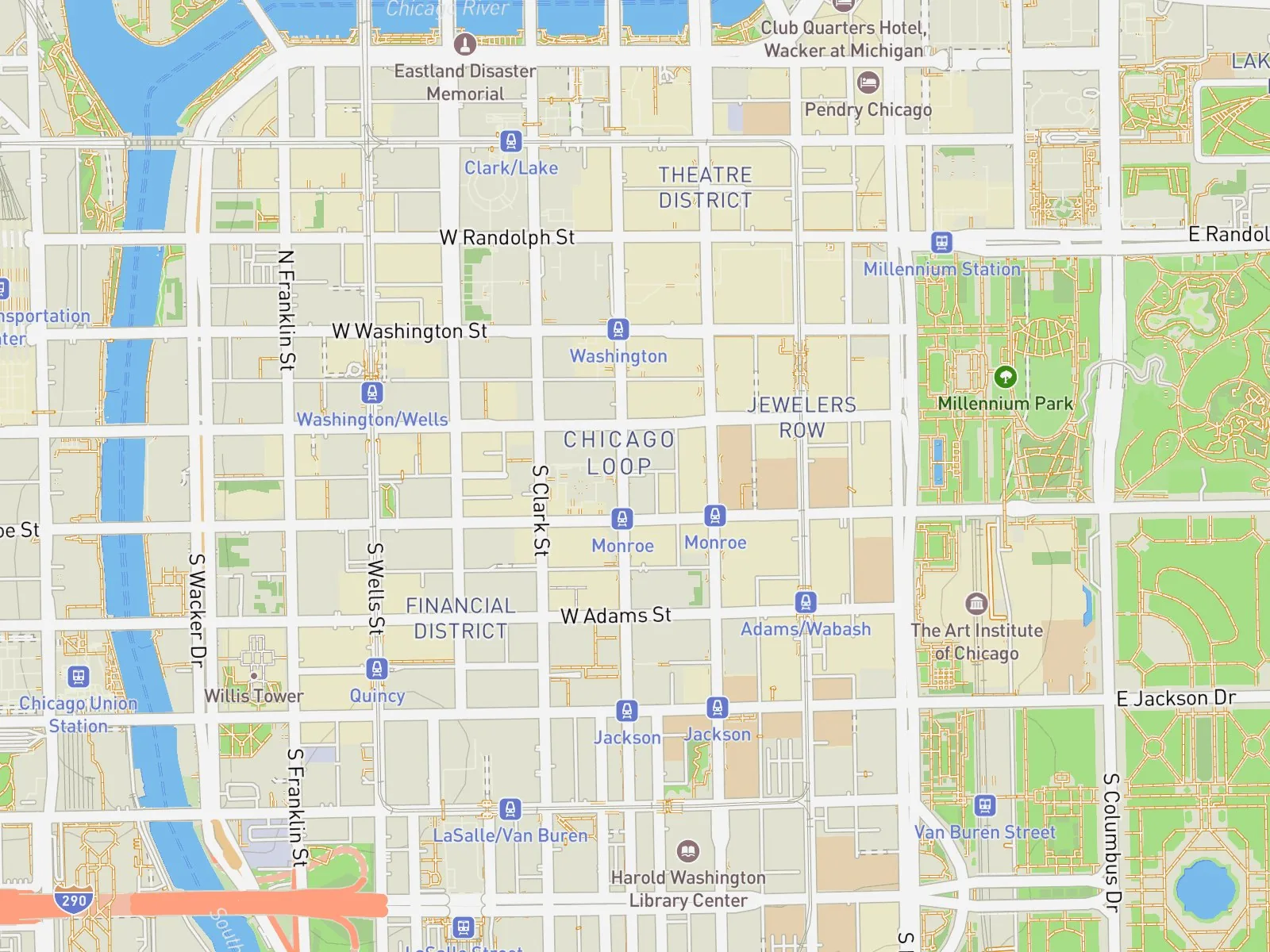
Search for a city, then click on the map to drop your points in the order you want to run them.
Then click “Adjust the route”: our generator draws a believable route, with real turns and elevation.
Made a mistake? The arrow undoes your last point, the eraser clears everything. You can tweak your route and adjust it again.
Simple. Effective. Your creativity does the rest.
Set up your run
Pick your sport: running, trail running, walking, hiking or cycling. Set your pace, turn on variable pace to slow down on hills and as you tire… and even add your heart rate.
Name your run, pick the date and time. You can even go back in time with a past date.
Perfect for bluffing all the way.
Download your GPX file
Your fake run is ready.
Click “Download the run file (1 credit)”: you get a GPX file, ready to go.
No credits yet? Pick a pack.
No subscription. No hidden strings.
(1 credit)
Import it into your app
Import your file into Strava, Garmin Connect, Komoot or any app that accepts GPX. Every step is in the tutorial Import a run.
💡 On Strava, you upload from the website, not the mobile app.
Post it like you actually broke a sweat.
See the Import a run tutorialYour questions, answered
1 credit = 1 GPX file. The price per credit depends on the pack: the bigger the pack, the less each run costs. You pick your currency at checkout.
Nope. SimuRun builds your GPX file right in your browser: no running, no GPS watch needed.
A GPX file is a standard format that records a GPS route: the points, the timestamps and the elevation. Strava, Garmin Connect, Komoot and most fitness apps can import it.
Running, trail running, walking, hiking and cycling. You pick the sport and pace before downloading your file.
Yes. The route follows real streets and trails, and variable pace slows you down on hills and as you tire. You can also add an average heart rate. Every number on your run adds up, too.
Yes. You choose your run’s date and start time, including in the past.
Only when you download the GPX file. Drawing and tweaking your run is free.
No. Use them whenever you want.
Strava hides heart rate on uploaded activities until you allow it in your settings. It’s all explained in the tutorial Import a run.
Yes. Draw your shape point by point, then adjust the route so it follows the streets. Need ideas? Check out our GPS art generator guide.
No. SimuRun is a simulation tool, not a cheating tool: for fun, testing and storytelling. Not for cheating in races or gaming official challenges.